Modules/Scanning
Modules (Scanning Modes) are designed to change the status of elements during scanning, as well as to locate and identify them.
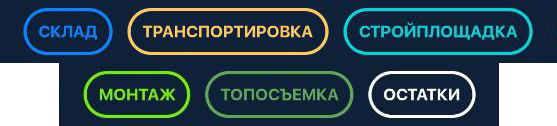
❗️IMPORTANT❗️
Some modules include additional functionality. For example:
- Transportation — opens the list of vehicles and allows adding items to their contents.
- Installation — used to match installed elements with the BIM model.
- Survey — used exclusively for working with landmarks or viewing elements without changing their status.
Module names and colors can be customized based on client requirements.
To scan elements, select the required mode (“Warehouse,” “Construction Site,” “Installation,” etc.). After the camera opens, point it at the markers on the elements.
As the scan progresses, the element names will appear on the screen.
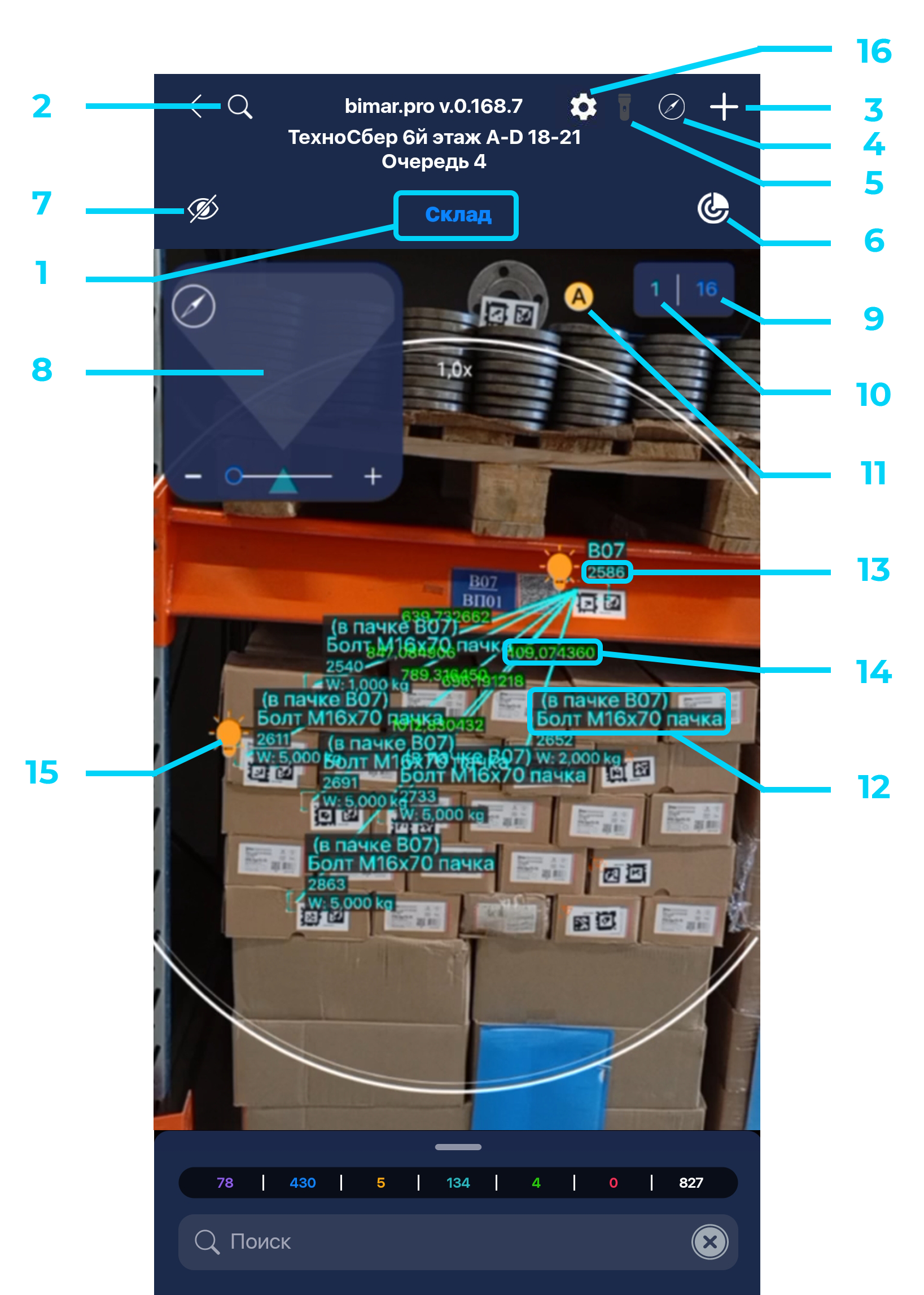
- Module name
- Search through the general list of elements
- Create an element
- Map
- Toggle flashlight
- Toggle element geolocation binding
- Show hidden elements
- Radar
- Number of elements in this status
- Counter of elements scanned during the session
- Toggle camera autofocus
- Full element name and location
- Distance from the camera center to the marker center (in millimeters)
- Distance between markers (depends on the module and relationship between elements)
- Highlighted element indicator
- Scanning settings
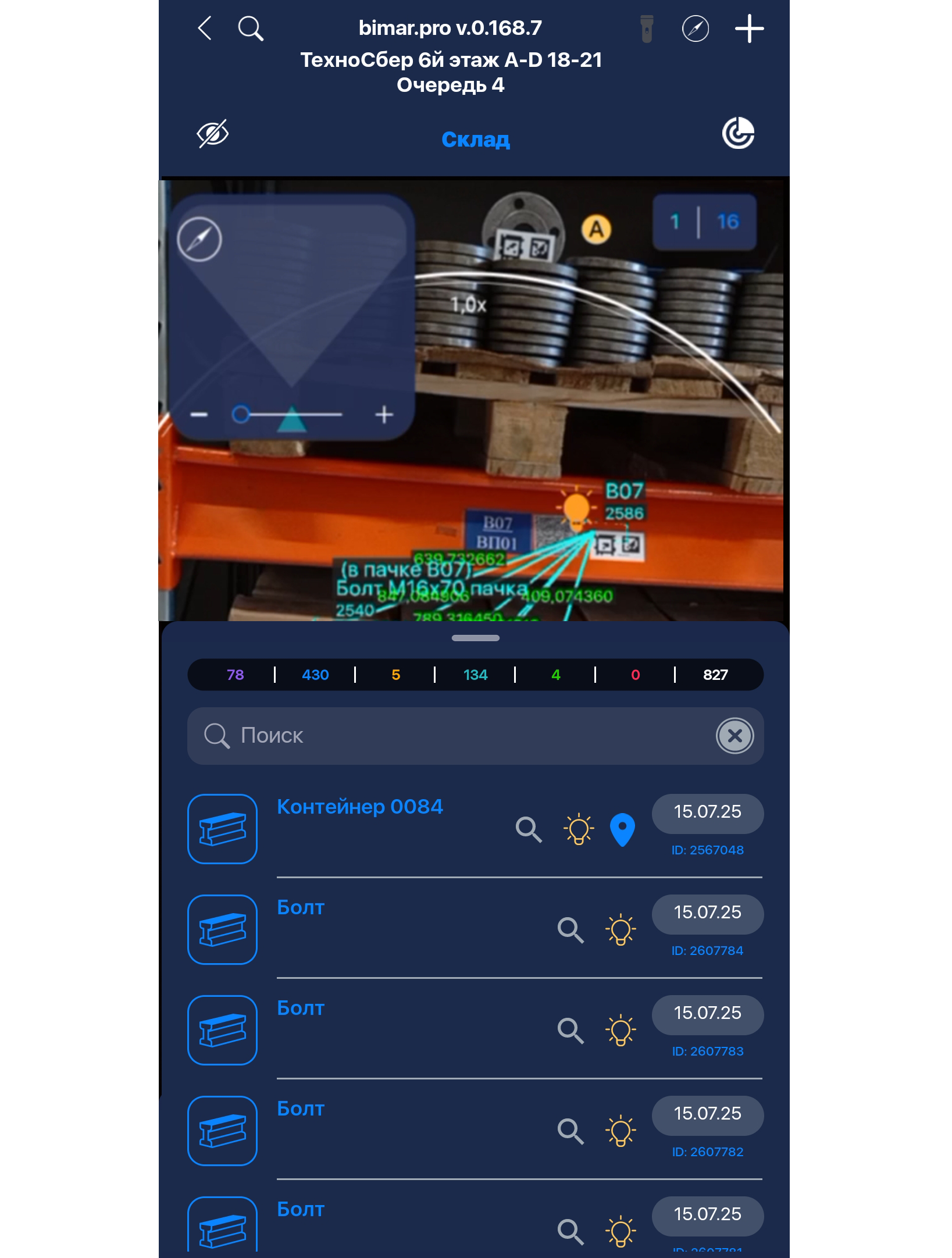
By swiping up from the bottom while in scanning mode, you can open the list of elements, showing scanned items in the order they were detected.
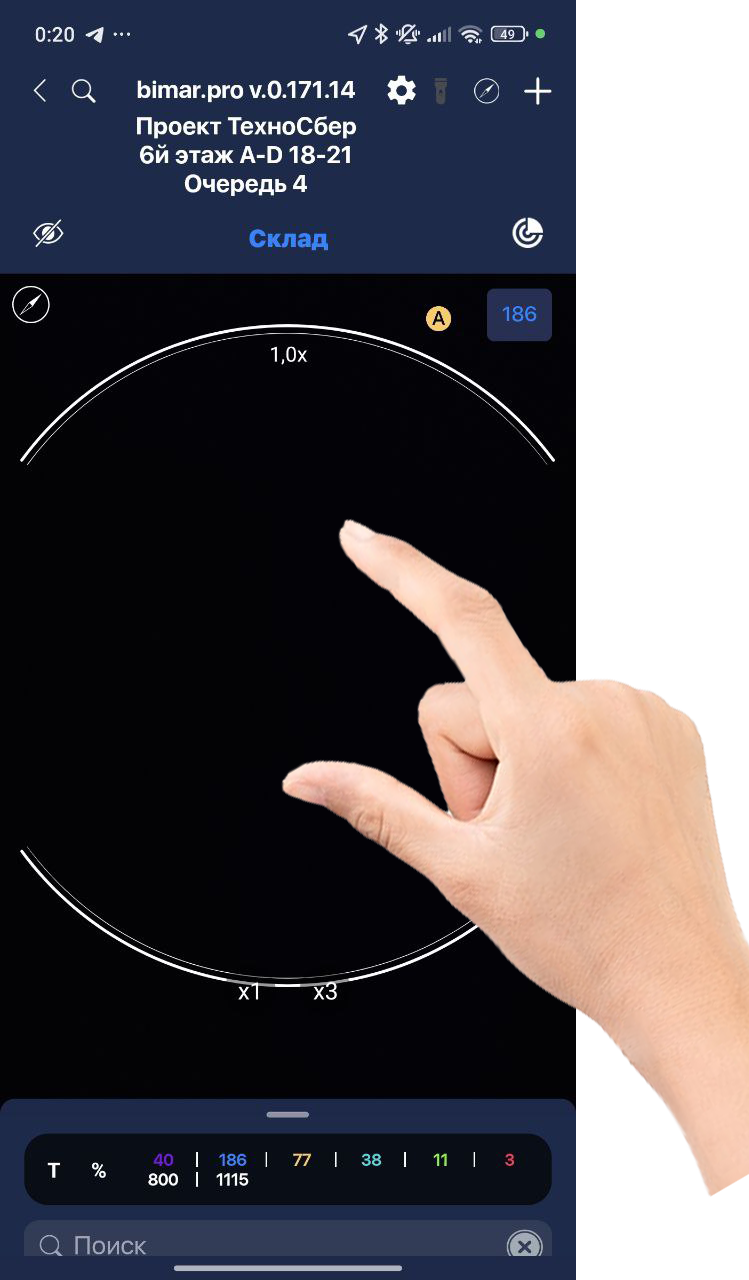
Scanning mode also supports zooming using pinch gestures.