Checklists
CONTROLS (CHECKLISTS)
This feature is designed for inspecting an item based on required parameters. A worker or inspector can record any issues found, add comments, and attach photos. Checklists can be customized to meet the client’s requirements.
To add a control, go to the “Controls” section by tapping
and then tap “Add Control”
 .
.
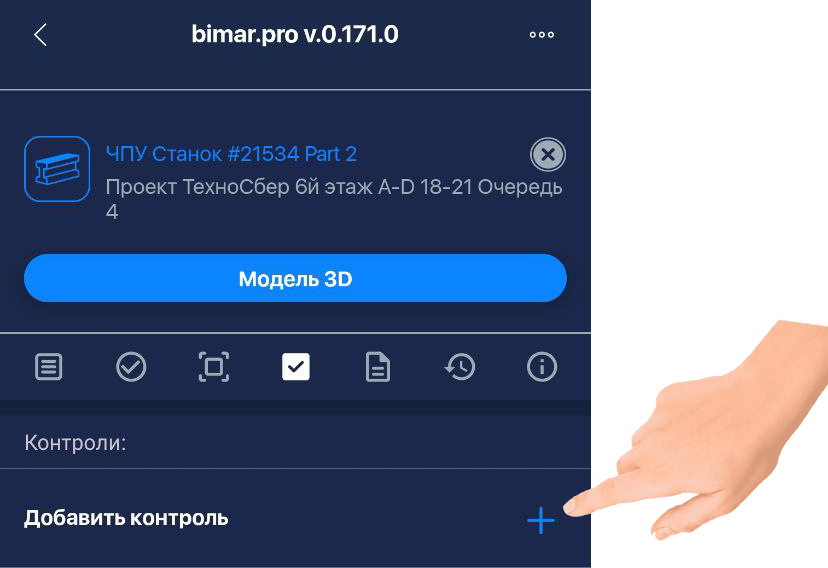
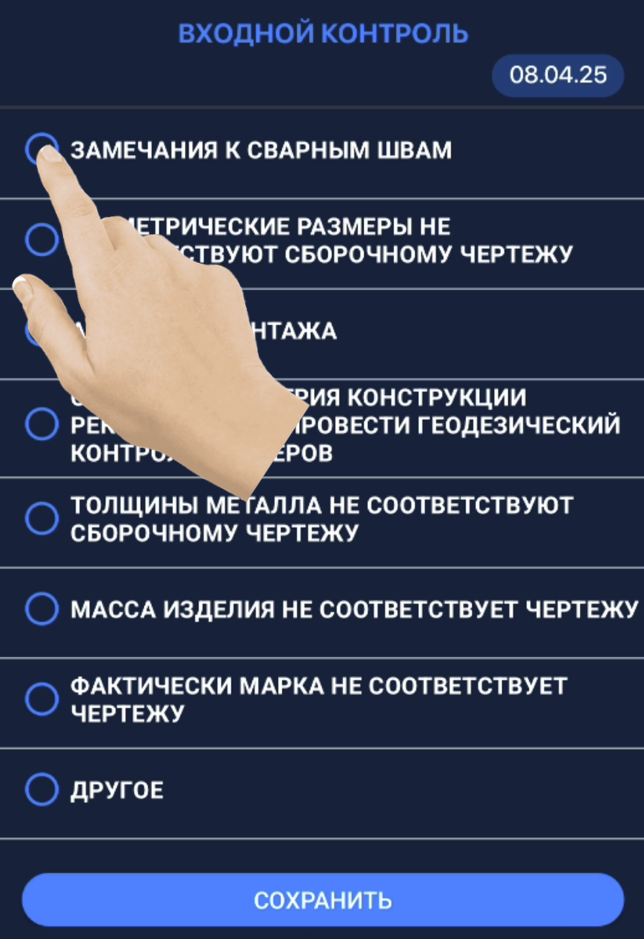
You will be taken to a page with checklists configured according to your project’s needs. Select the checklist you want to use.
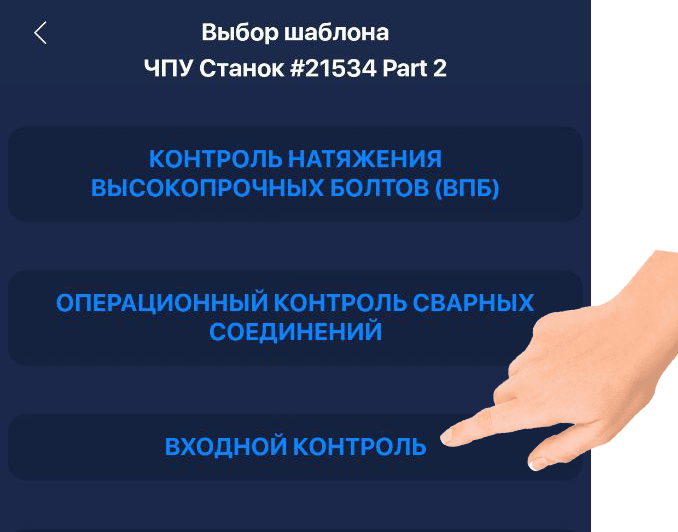
From the list that opens, choose the required control.
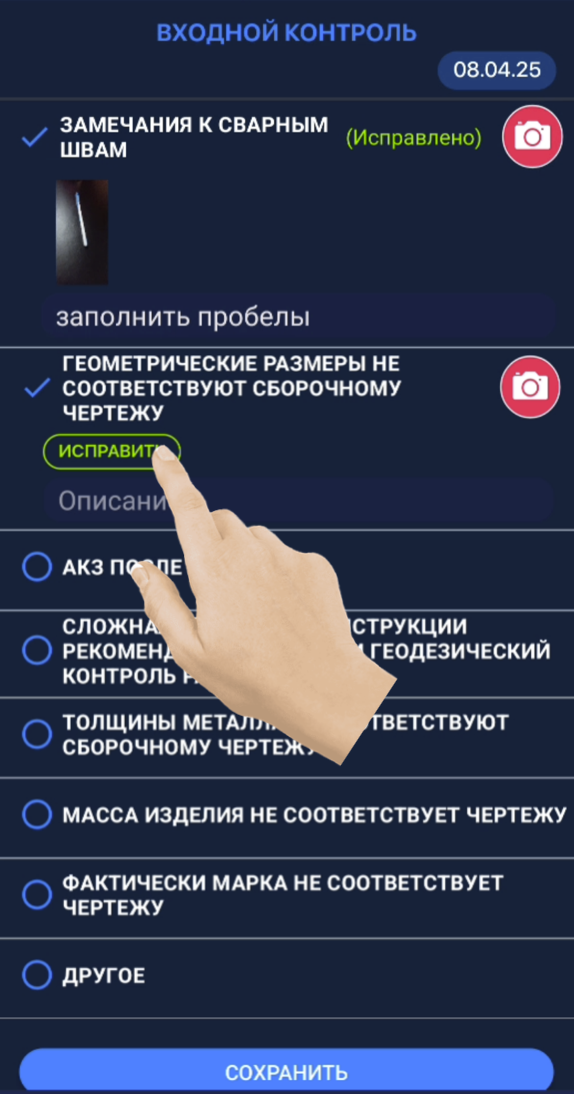
In the “Description” field, you can enter a note and attach a photo by tapping the red camera icon. After filling out the form, press “Save.”
Once the issue has been fixed, tap “Fix” and then “Save.”