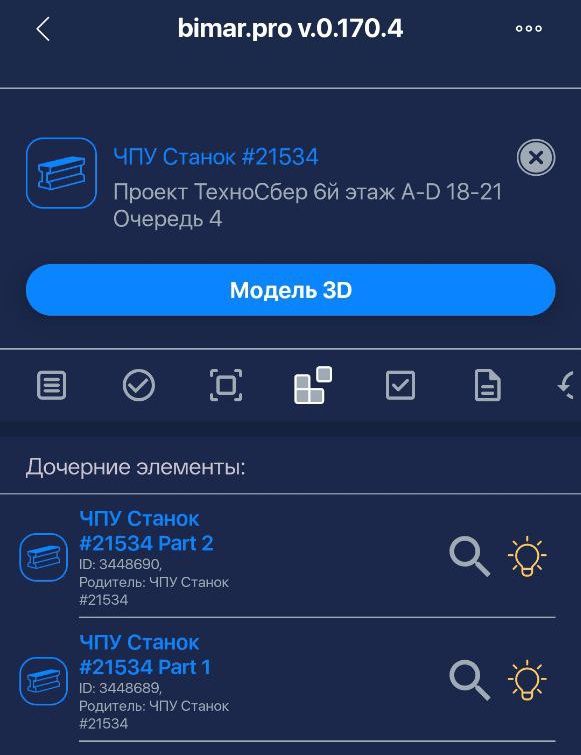
Element splitting
SPLITTING AN ITEM INTO CHILD ITEMS
Each item can be divided into its component parts. This is useful when large equipment or oversized items are delivered in separate pieces.
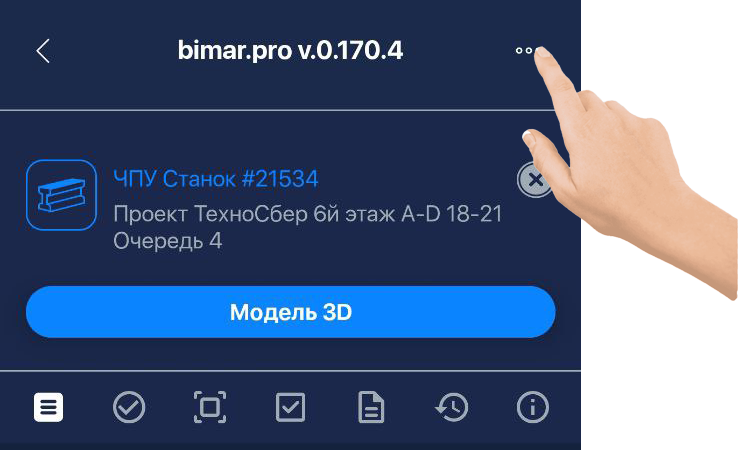
To do this, open the page of the item you want to split and tap the three-dot menu in the upper-right corner.
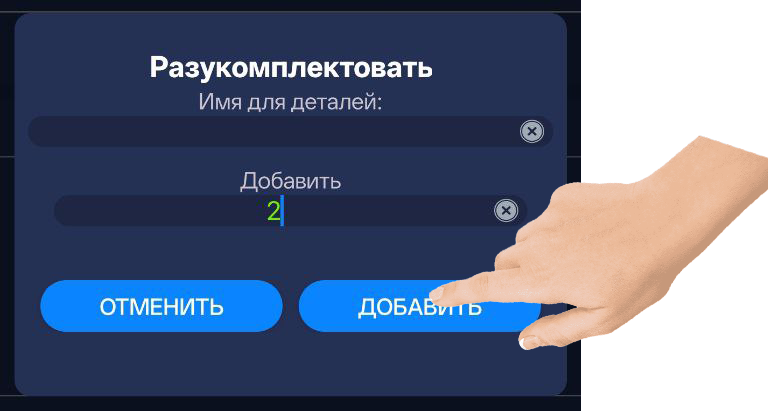
In the popup window, enter the names of the child items and specify their quantity, then tap “Add.”
❗️IMPORTANT❗️
If you don’t provide names for the child items, they will inherit the parent item’s name, and the system will automatically add the suffix “Part №”.
After that, the new child items will appear in the list. They are linked to the parent item and can be managed just like any other items.