Multiproject scanner
The Multi-Project Camera allows scanning elements from multiple projects simultaneously, with the ability to update their statuses afterward.
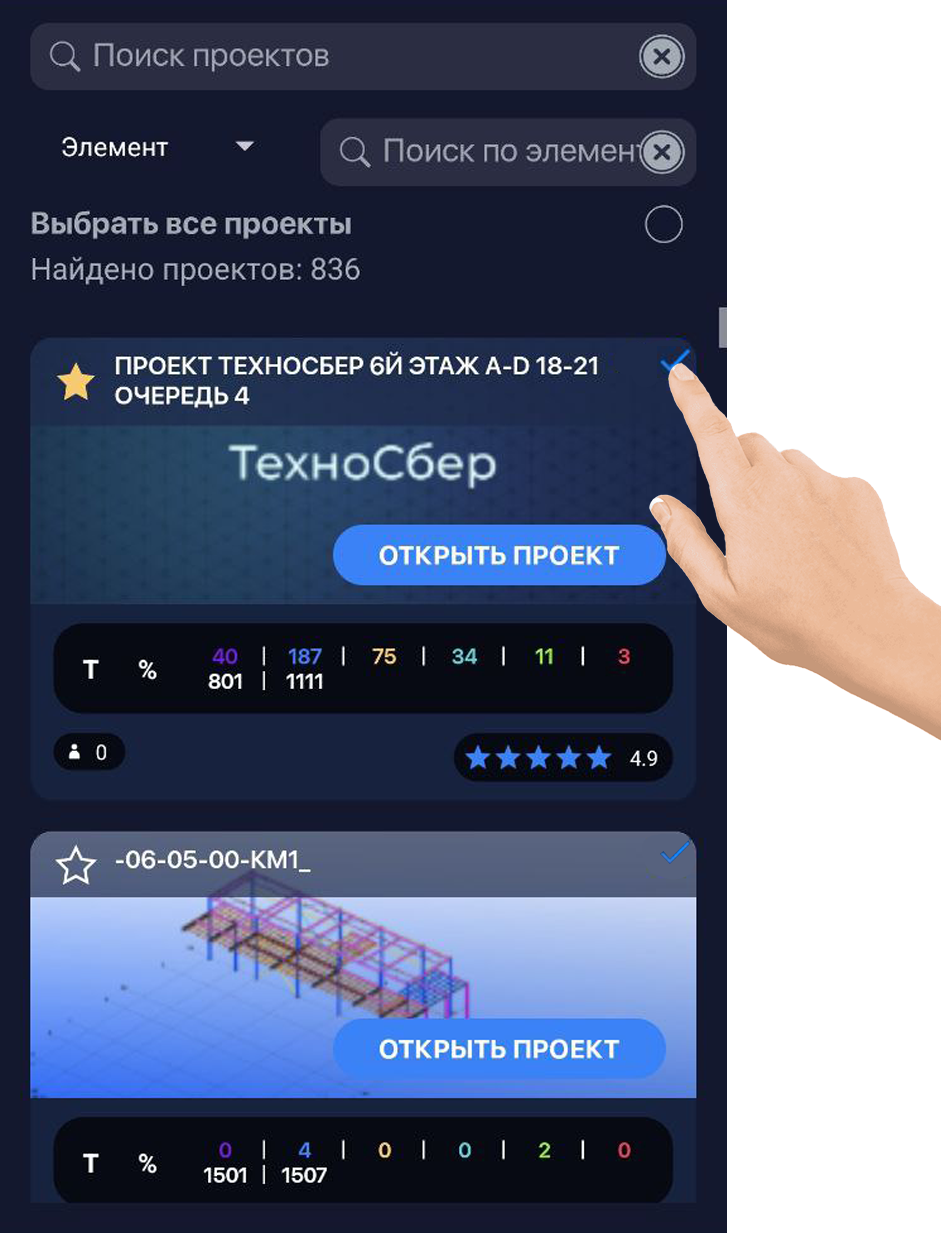
To enter the multi-project camera mode, long-press on one of the project thumbnails, or use the button in the top-right corner of the project card (other projects can be selected with a short tap), then press “Load Projects”. After loading, the scanning modes will open, allowing you to scan elements across the selected projects.
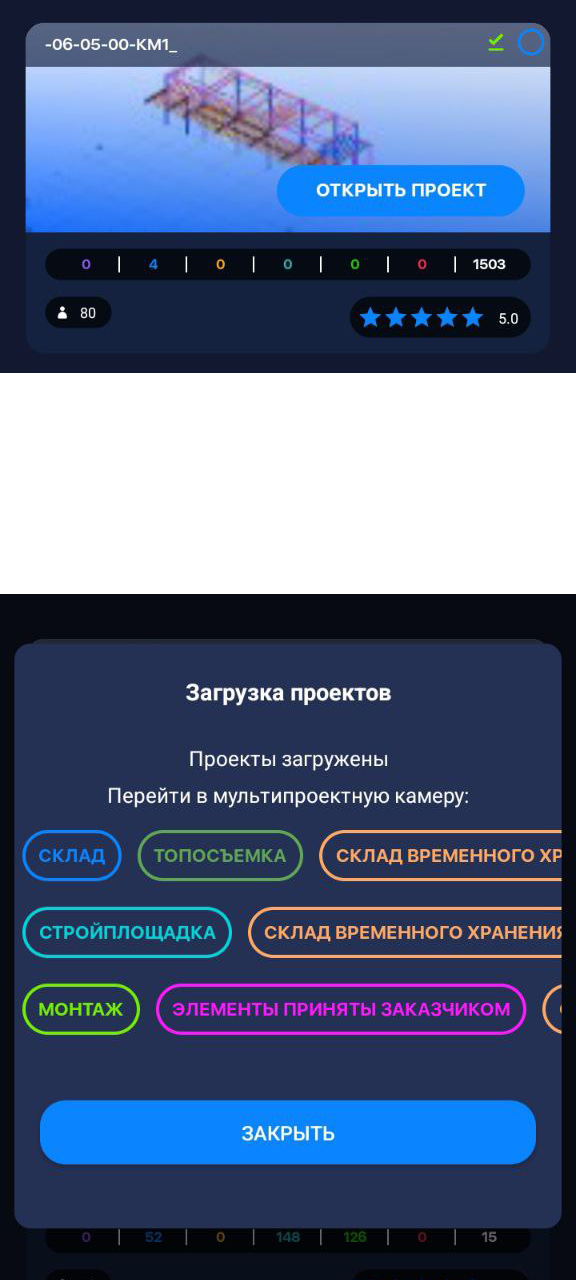
After using the multi-project camera, the projects will be cached in the device memory.