Hidden elements
GENERAL INFORMATION
When scanning elements, a chain is formed by linking one element to another. This feature helps locate an element that is not accessible for scanning or view its last known position before scanning.
To find a hidden element during scanning, enable Show Hidden Elements by tapping the eye icon  in the top-left corner of the screen.
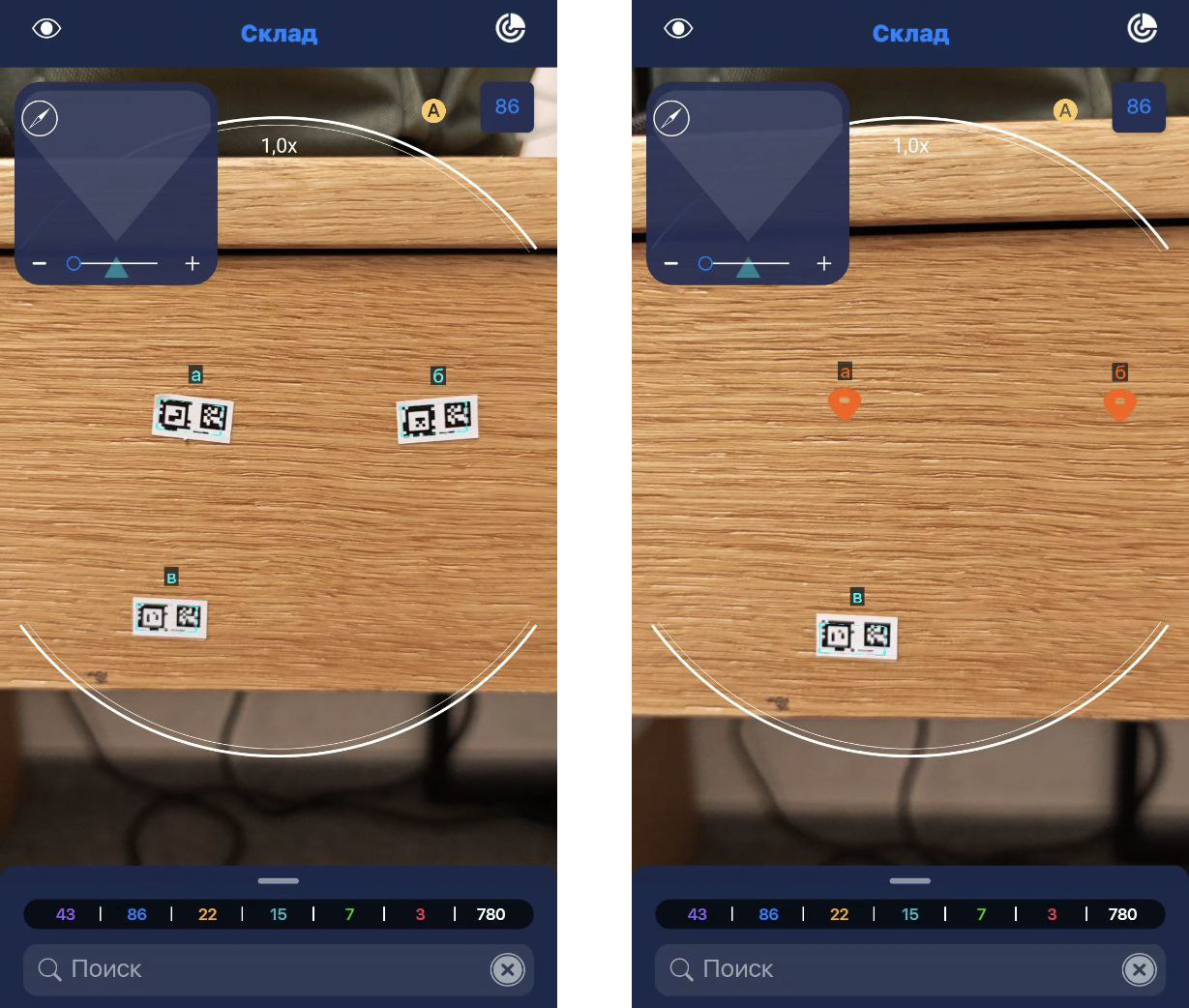
Hidden elements will be displayed as orange dots when scanning a marker that was in the same chain with them.