Marker binding/unbinding
HOW TO BIND A MARKER TO AN ITEM
To link a marker to an item, follow these steps:
-
Open the item’s page.
-
Open the “Binf/Unbind Marker” section by tapping

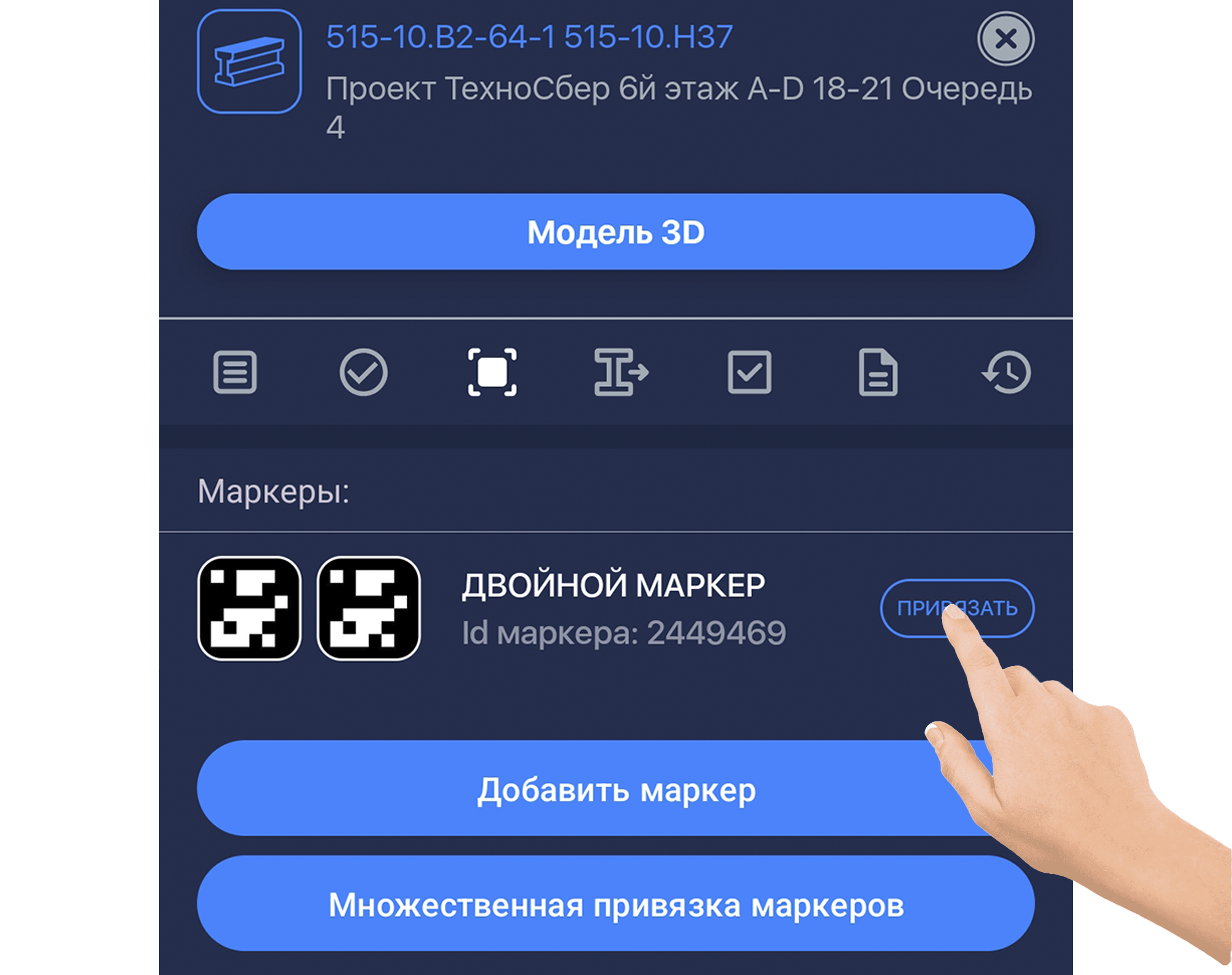
- Tap “BIND”. The item scanner will open.
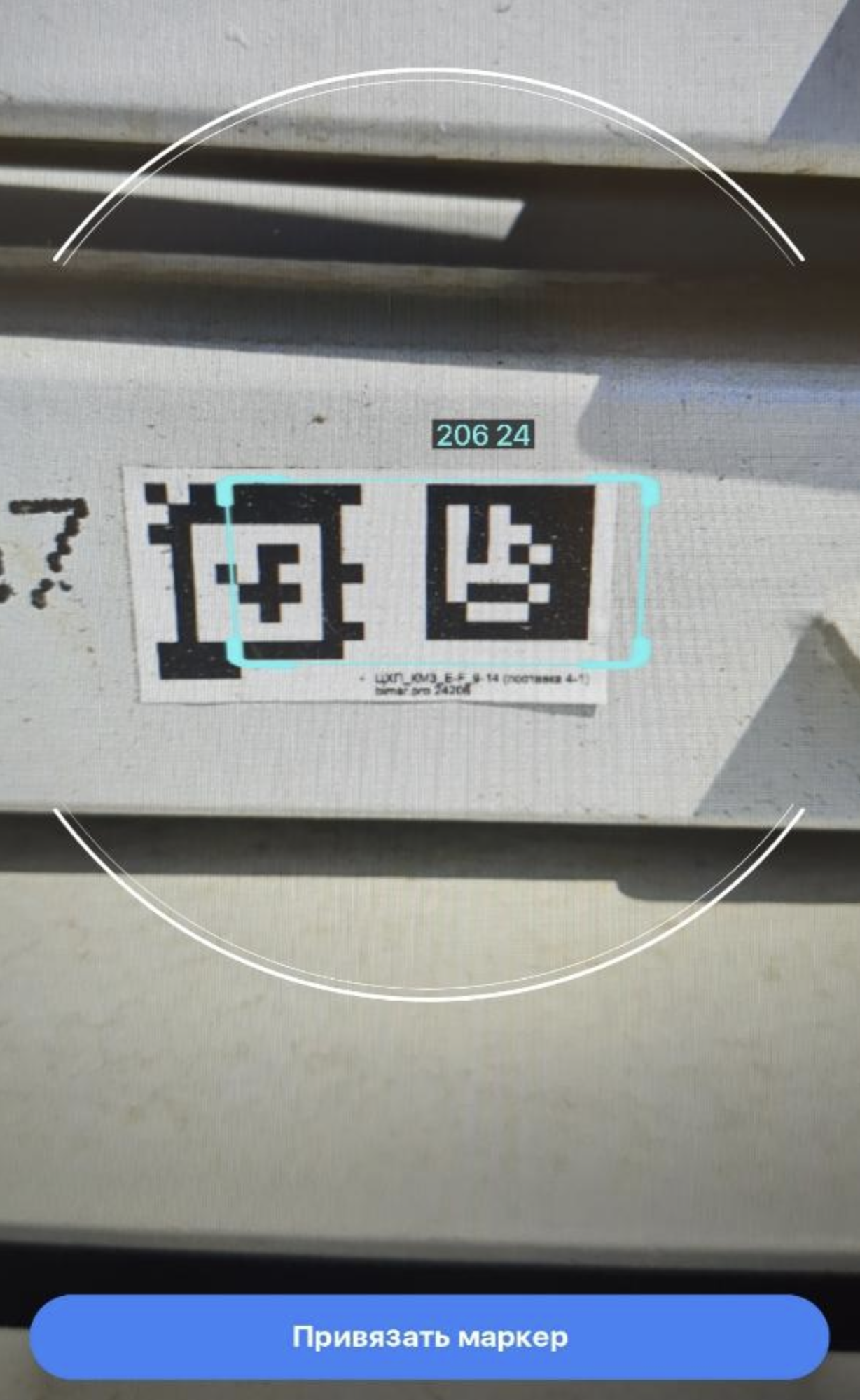
- Point the camera at a free marker.
Free markers are labeled only with numbers — this is their unique ID.
Occupied markers show the name of the item they’re linked to.
Make sure only one marker is visible in the frame.
❗️IMPORTANT❗️
If an item already has a marker and it belongs to a batch, the batch name will also be displayed.
- Tap “Bind Marker”. The marker is now linked to the item and can be scanned in all modes.
A special icon will appear next to the item:


❗️IMPORTANT❗️
Only bind markers that are physically attached to items.
Avoid binding markers “from a sheet.”
Place markers so they stay visible for scanning.
HOW TO UNLINK A MARKER
Unbinding works the same way as binding:
-
Open the item’s page.
-
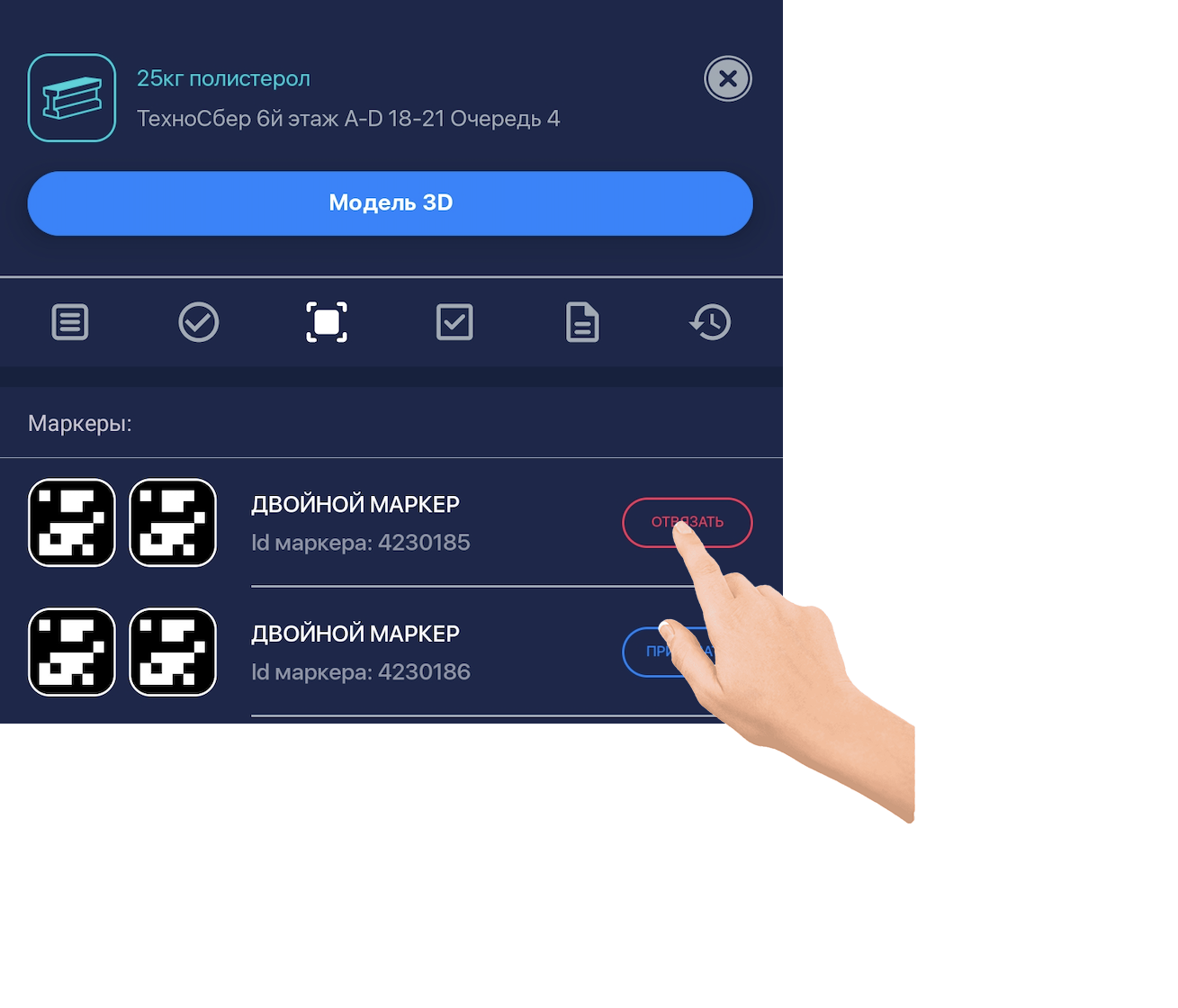
Open the “zbind/Unbind Marker” section.
-
Tap “Unbind.” The marker becomes available for other items.
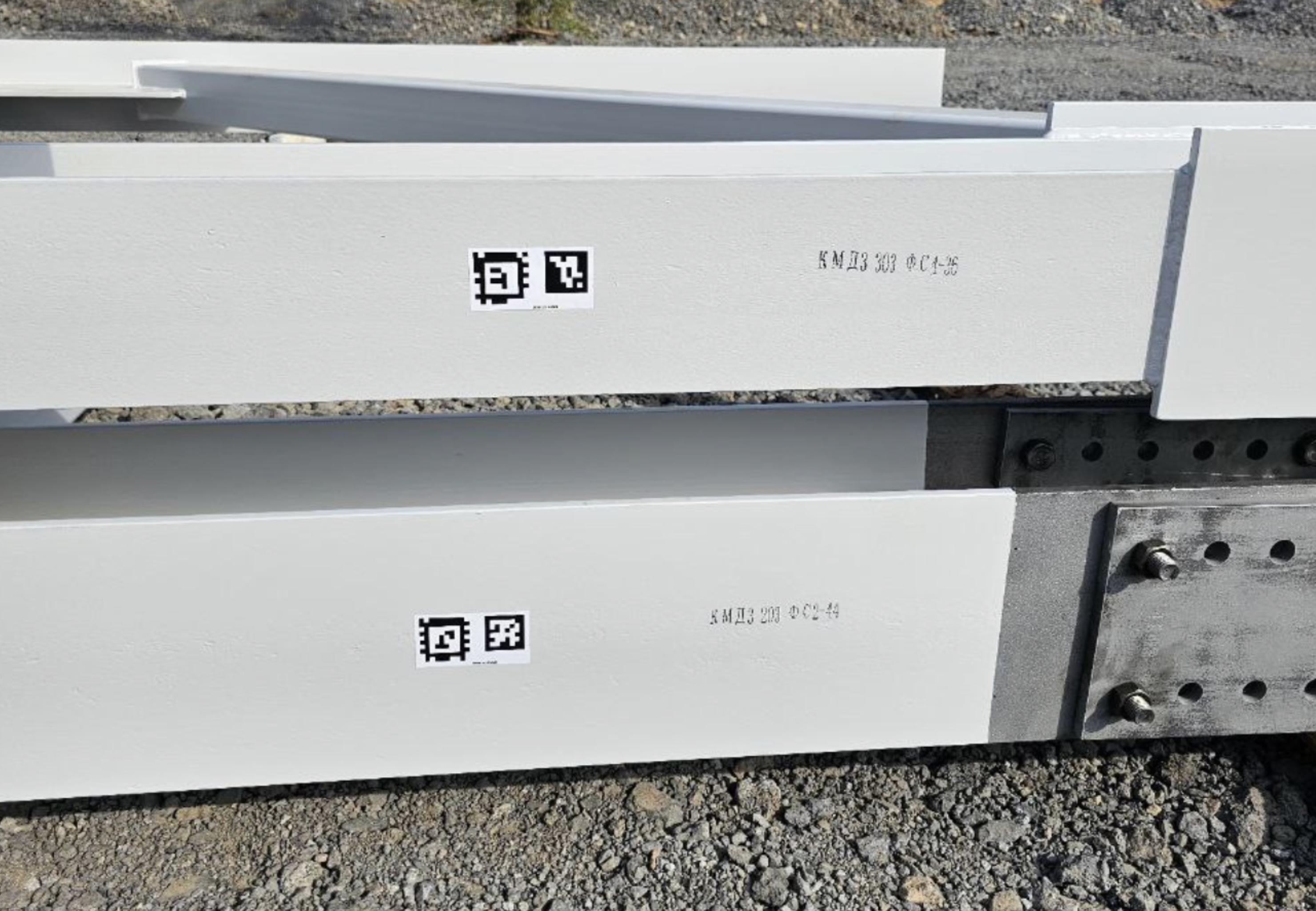
Marker Application Recommendations
Marker Application Guidelines
Labeling requirements
- Apply markings on at least one or two visible sides.
- Choose a place that’s easy to scan.
- Large items require markings on two opposite sides.
- Clean the surface before applying the marker.
- Apply at room temperature when possible.
Marker application methods
Marker Application Methods
| # | Method | Attachment Reliability | Weather Resistance | Notes | Suitable For |
|---|---|---|---|---|---|
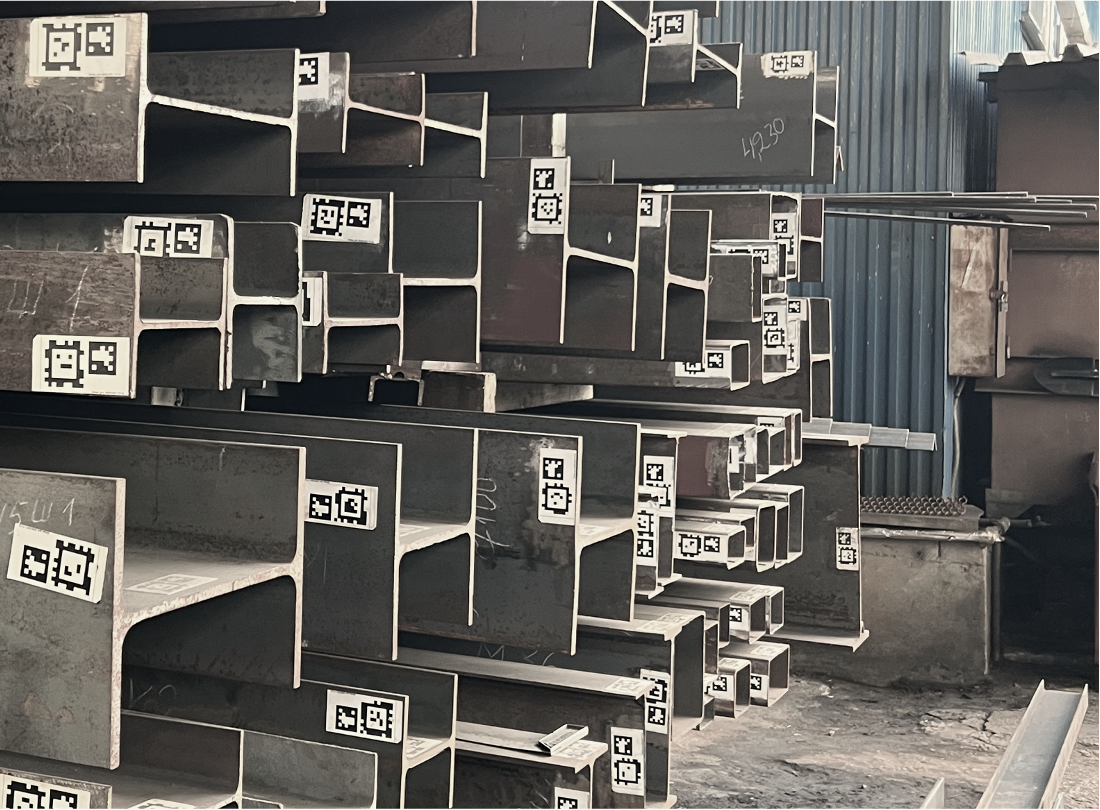
| 1 | Standard matte sticker | Low | Low | – | Sheets, boxes |
| 2 | Polymer matte sticker | High | High | Matte Orajet film (or equivalent) with lamination | Boxes, PET, metal structures, wooden items |
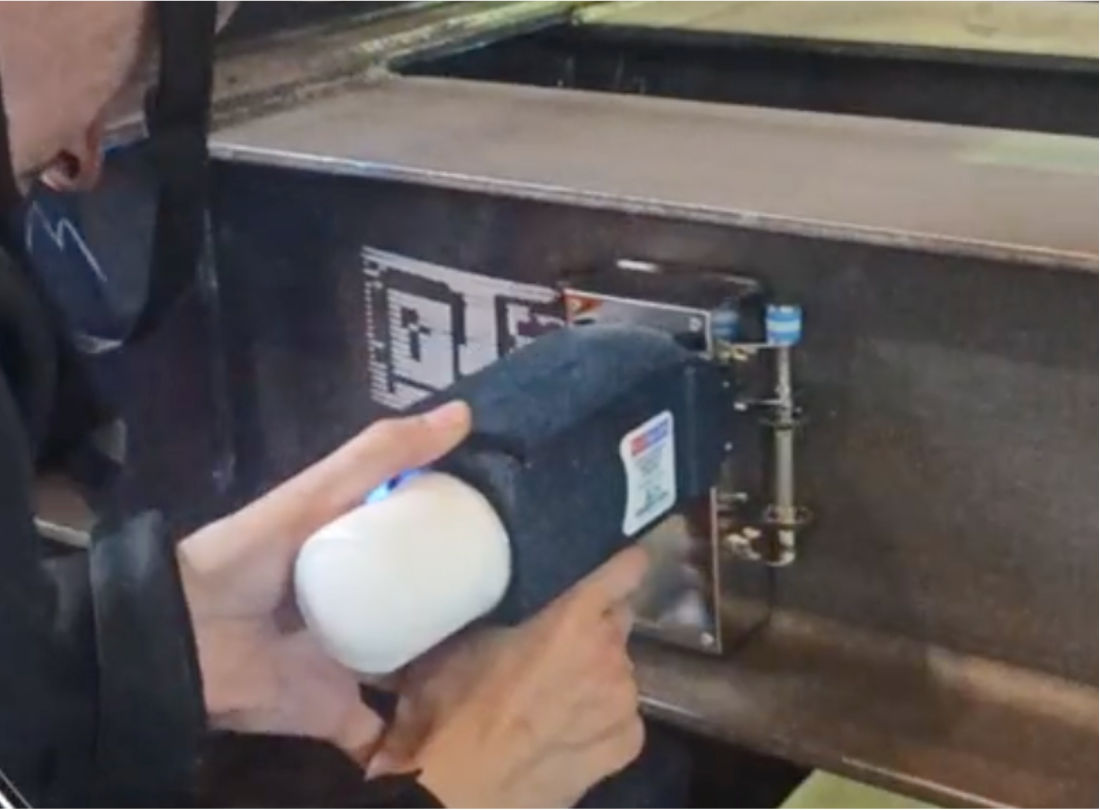
| 3 | Handheld inkjet marking printer | Maximum | Maximum | Requires marker prep; maintain high contrast between marker and material color. | Boxes, PET, metal structures, wooden items, concrete |
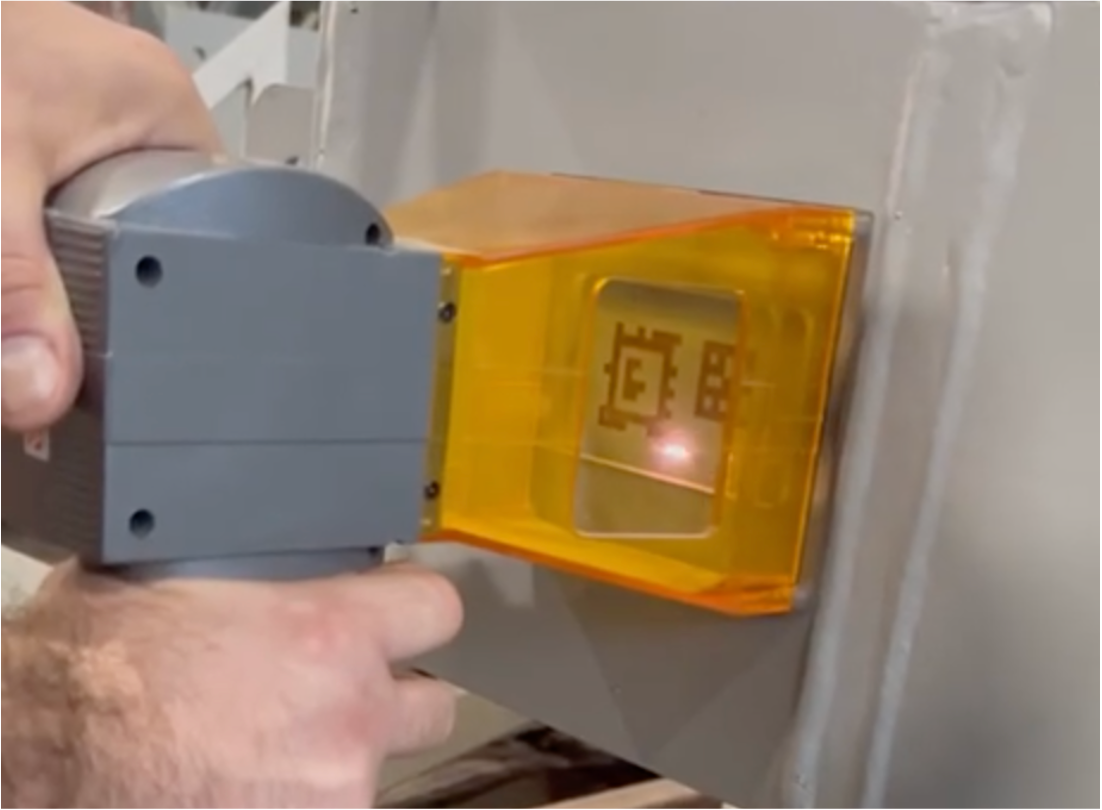
| 4 | Laser engraver | Maximum | Maximum | Requires prep; maintain high contrast. | Metal structures |
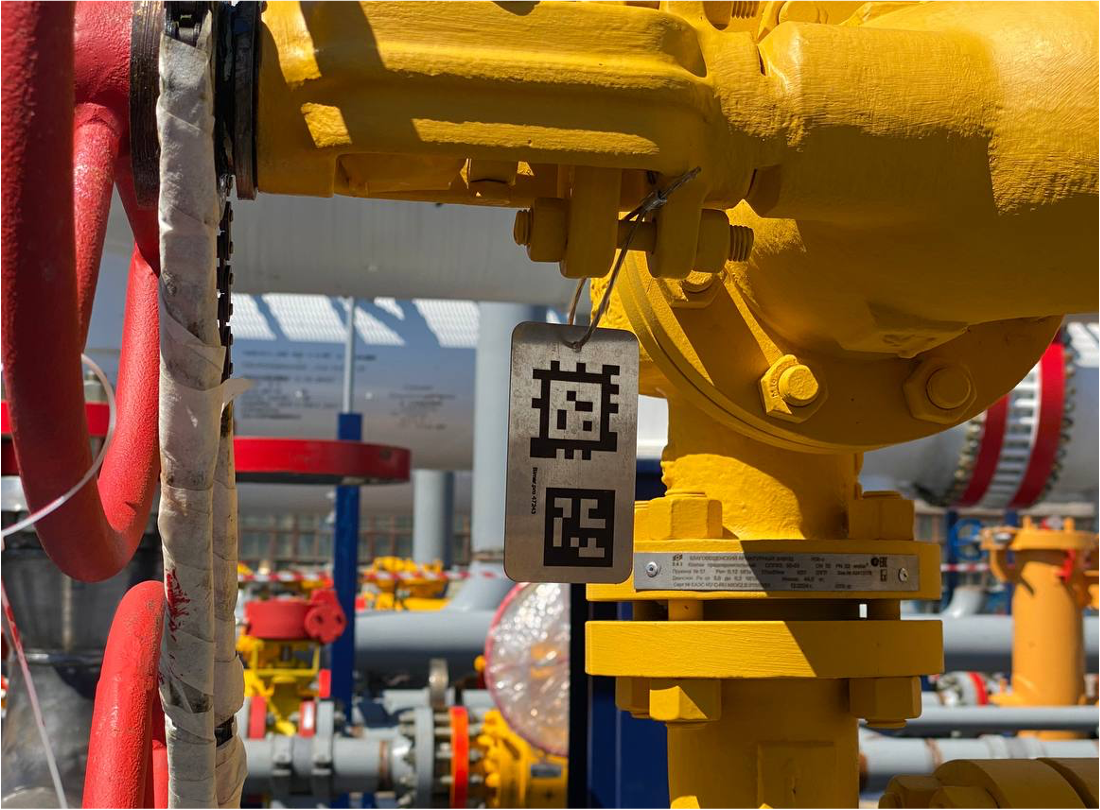
| 5 | Hanging tag with polymer sticker | Plastic fastener — medium; metal cable — maximum | Plastic fastener — medium; metal cable — maximum | Matte Orajet film (or equivalent) with lamination | Boxes, metal structures, wooden items, equipment |
| 6 | Hanging tag with laser engraving | Plastic fastener — medium; metal cable — maximum | Plastic fastener — medium; metal cable — maximum | Requires prep; maintain high contrast. | Boxes, metal structures, wooden items, equipment |
Examples