Replacement
This function is needed if standard project elements were installed in the wrong positions. You can fix this issue as follows:
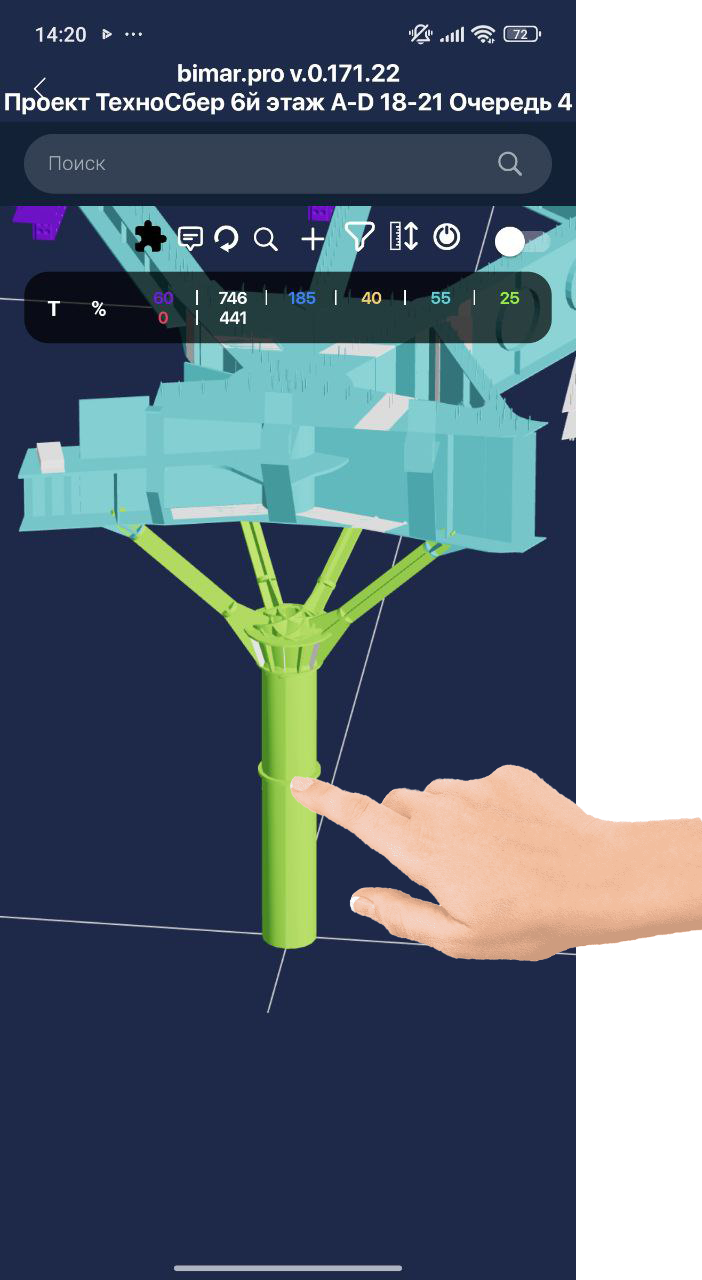
- Select the element to be replaced on the 3D model:
- Then tap the “Set by Marker” button and scan the element that needs to be swapped:

After that, the elements will swap positions in the 3D model and will be colored according to their status.