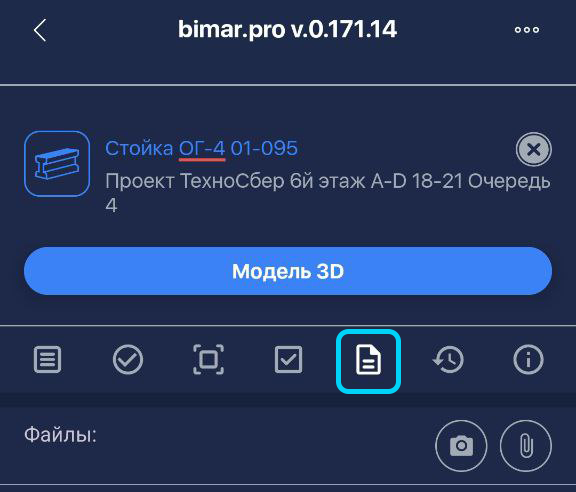
Documents
DOCUMENTS AND PHOTOS
In BimAr, you can attach documents and photos both to the entire project and to individual items.
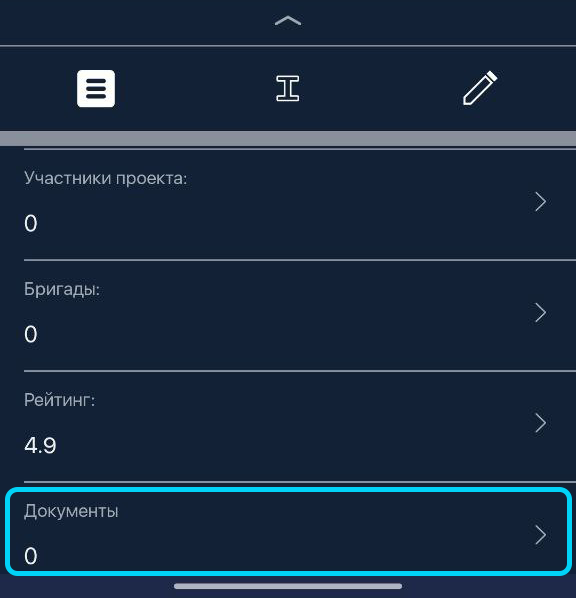
To attach a file to the project, go to the “Documents” section at the bottom of “General Project Information.”
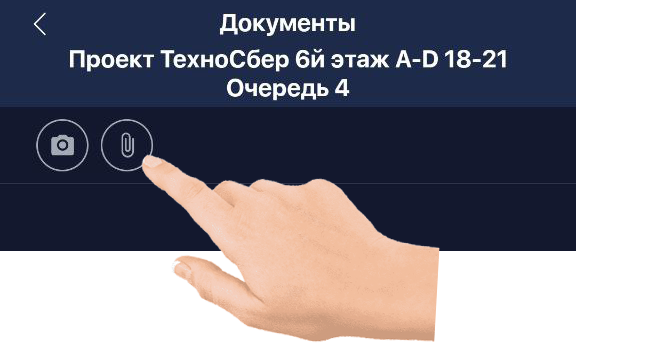
To upload a document or photo, tap the paperclip icon

and select the desired file from your device.
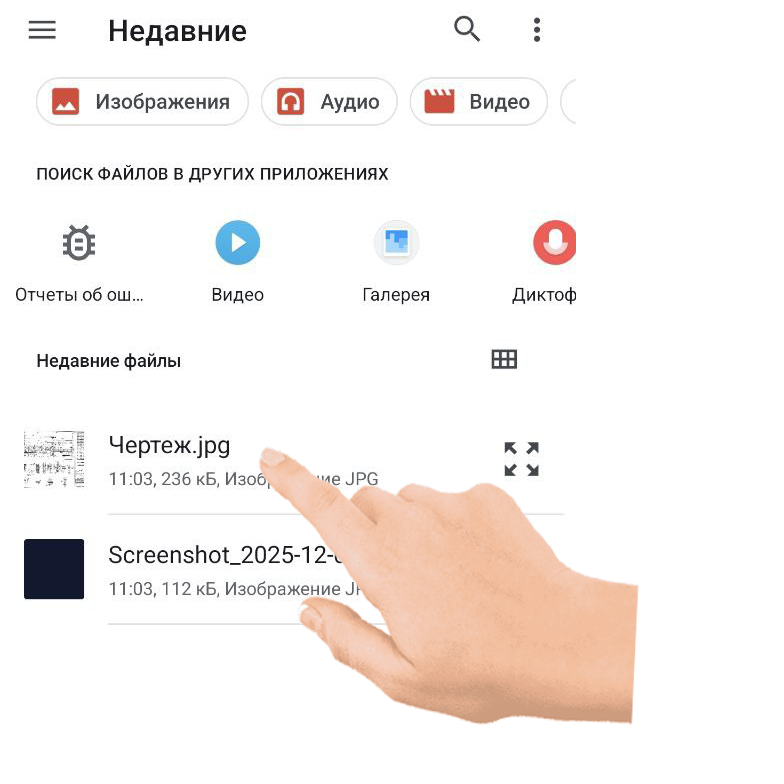
After uploading, the attached file will appear in the list.
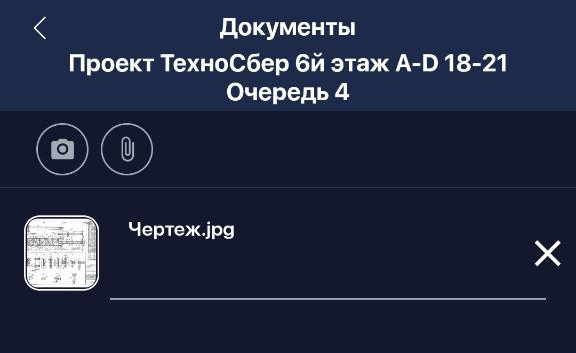
To attach a photo, tap the camera icon
and take a picture. You can also attach previously taken photos, just like documents.
You can add files to an individual item in the same way: open the item’s card and go to the “Documents” section.