General requirements for Compass 3D models for uploading to the Bimar System
These requirements must be met so that models can be loaded into the Bimar system without errors.
- The model ** should** contain a set of folders and files for each part of the assembly as shown in the figure:
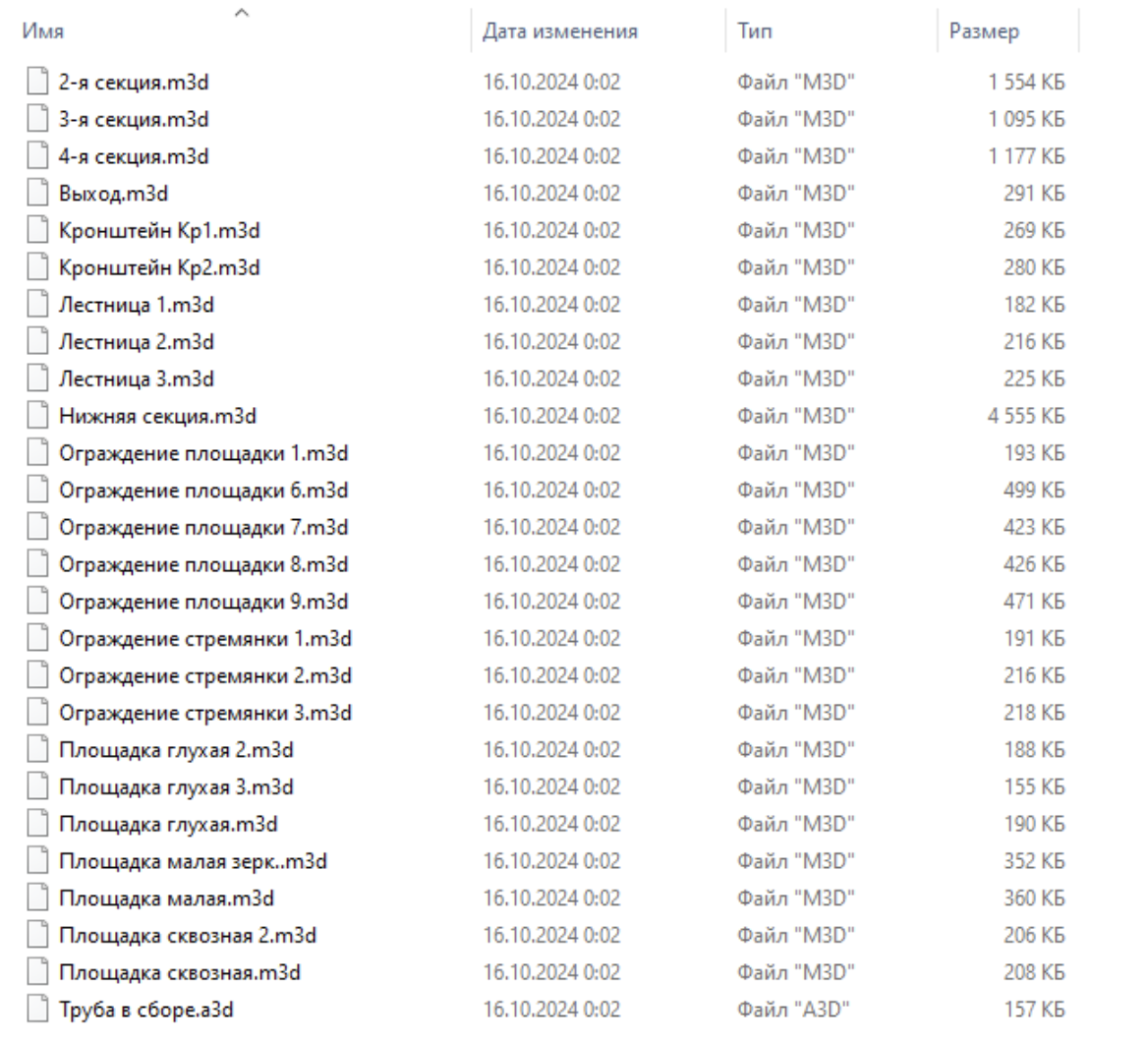
- This folder ** must** contain files of parts and assemblies
- All parts to which the marker is planned to be attached ** should** be made by the type of parts, and not by surfaces, themes and other auxiliary objects.
- The build ** should** open without errors. There should be no crashes during the rebuild, such as in the example:

-
- It is recommended* to follow the naming system so that the most important assembly is at the very top
-
- It is recommended* to use a separate file where the design axes are located and design immediately at the global zero of the overall project. It is necessary to create a common top-level assembly in the design position.