Possible errors
An error occurs when uploading a 3d project or creating a compass.
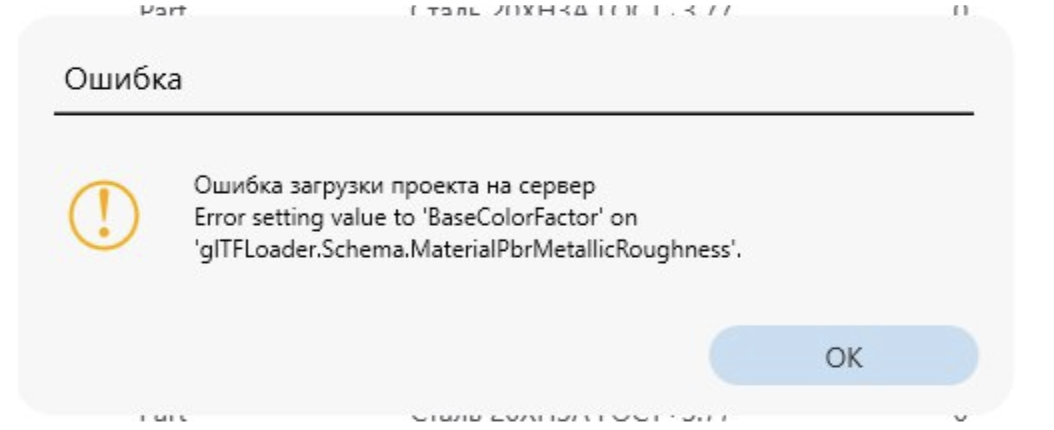
This error is due to the fact that you have trash objects from the sketch or something else in your compass. Possibly as an object
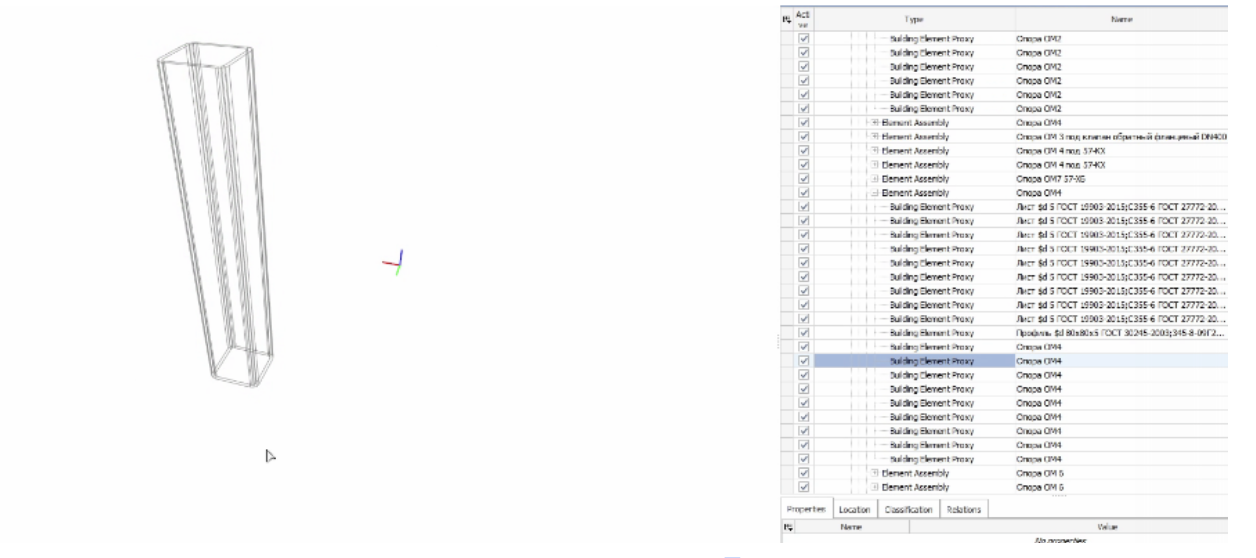
We need to find these details and recreate the project.
A database error occurs when reloading the project.
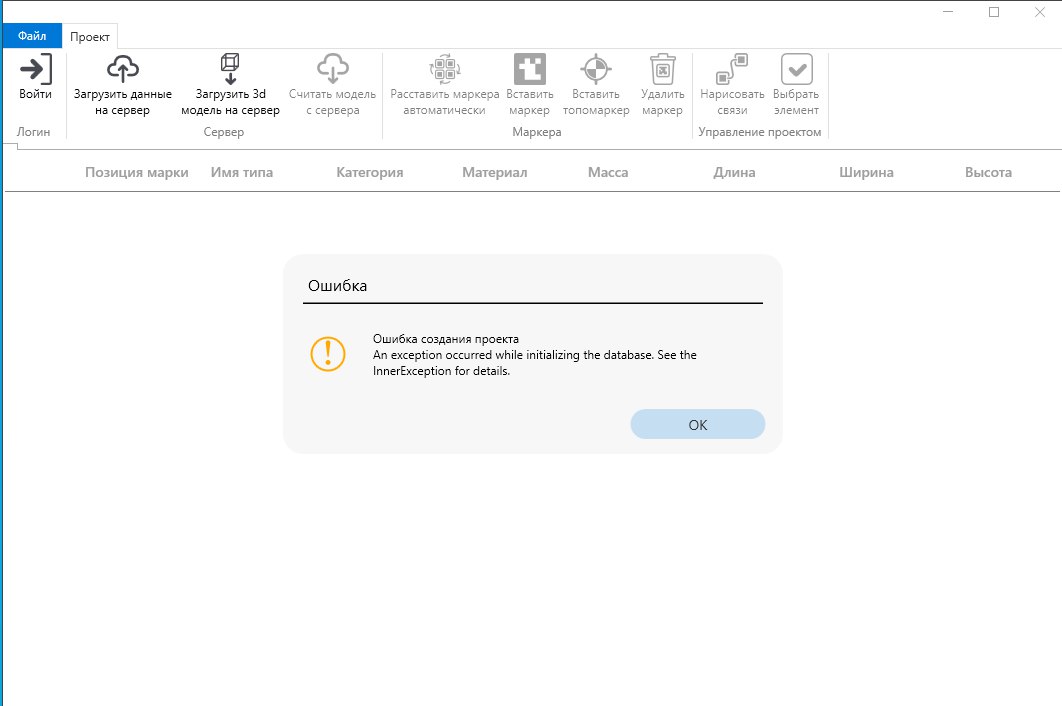
This error occurs when trying to recreate a project with an existing name.
Possible solutions
- Specify a new project name.
- Or delete the previously created project manually.
Deleting an existing project To delete a project, follow these steps:
- Close the Bimar.Application application.
- Go to the directory: %localappdata%\BimarSystem\Bimar.Projects
- Open the folder of the corresponding program in which the project was created.
- Find and delete the file with the project name in the format: project_name.bimar
After deleting the file, you can create a project with the same name.